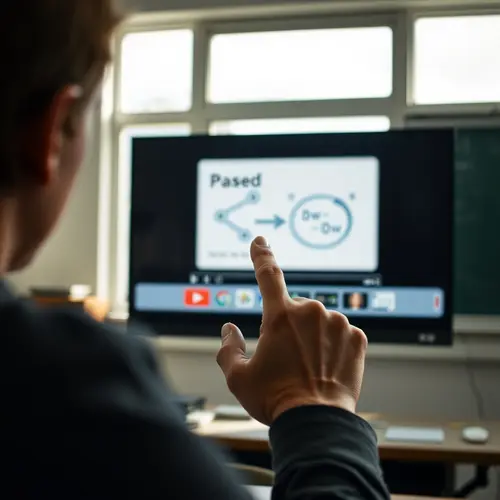
When a learner needs to see a process unfold or a concept visualized, educational videos become an indispensable tool. They translate abstract ideas into concrete, watchable lessons.Their power lies in combining auditory and visual information pathways. This dual-channel input helps with retention and understanding. For an instructor, they offer a way to demonstrate complex procedures safely and repeatedly.
The Foundational Models: Understanding Educational Videos
Not all educational videos serve the same purpose. Their design and application differ based on the core learning model they follow. The choice of model dictates the script, pacing, and visual style.
The Demonstrative Model
This model is procedural and step-by-step. Think of a chemistry lab technique or a software coding tutorial. The camera focuses closely on the actions. Narration is direct and imperative. Success depends on crystal-clear visuals and unambiguous instruction.
The Explanatory Model
Here, the goal is to make an abstract concept tangible. Animated diagrams, metaphors, and slow reveals are key. A video explaining photosynthesis or economic inflation fits here. The script must build from simple to complex, anchoring each new piece of information.
The Narrative Model
This model uses storytelling to convey information, often for historical or case-based learning. It relies on characters, setting, and conflict. A documentary about a scientific discovery is a prime example. Emotional engagement drives the educational value.Selecting the wrong model for your content is a common pitfall. A dense theoretical topic forced into a fast-paced demonstrative format will confuse viewers. An expert knows to match the model to the learning objective first.
Educational Videos Credibility: The Non-Negotiable Filter
The internet is flooded with video content. An educator’s primary filter must be source credibility. A visually slick production means nothing if the information is flawed.Prioritize channels and producers affiliated with established institutions. University YouTube channels, professional associations, and government agencies like the National Institutes of Health or NASA maintain high standards. Their content undergoes review processes unseen by independent creators.Cross-reference information. If a video makes a bold claim, look for a confirming source from a peer-reviewed journal or a reputable industry whitepaper. The American Educational Research Association, for instance, publishes guidelines on media-based learning that can inform your selection.
Source Type
Strength
Best For
Verification Tip
Academic Institution
Peer-reviewed, depth
Advanced concepts, theory
Check faculty presenter credentials
Professional Association
Industry standards, practical
Skills training, procedures
Look for official association logos
Government Agency
Authoritative, public data
Health, science, safety info
Verify .gov domain or official channel
Specialized Educator Channel
Engaging, classroom-tested
K-12 topics, foundational skills
Review community feedback & longevity
Be wary of the “expert” whose only credential is a large subscriber count. Authority in education is conferred by a track record of accuracy, not popularity.
Educational Videos Technical Integration: Beyond Pressing Play
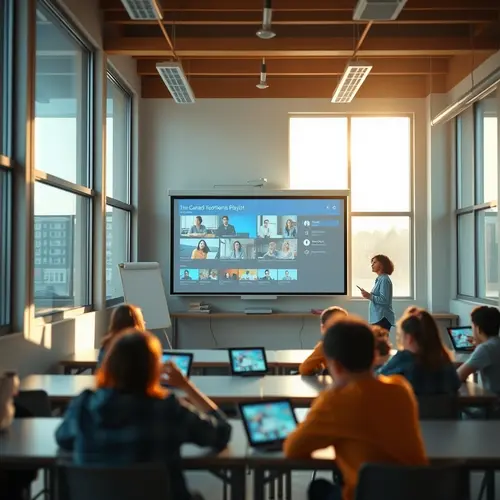
Simply playing a educational video in a classroom or course module is a missed opportunity. The real skill is in the technical and pedagogical wrapper you build around it.
Segment and Chunk: Don’t assign a 45-minute lecture. Break it into 6-8 minute thematic segments. The working memory can only hold so much.
Pre-Frame the Content: Give learners 2-3 specific questions to answer while watching. This focuses their attention and creates active viewing.
Enable Interactive Control: Use a platform that allows bookmarking, speed adjustment, and closed captions. These controls accommodate different learning paces and needs.
Build in a Checkpoint: Follow the video with a low-stakes quiz or a guided discussion prompt. This forces retrieval practice, solidifying the memory.
Avoid the “set and forget” approach. The video is a lesson component, not the lesson itself. Its effectiveness is determined by the instructional design surrounding it.
Educational Videos – The Accessibility Mandate
If your educational videos lack accurate closed captions and descriptive audio tracks, you exclude learners. This isn’t just a technical checklist item. It’s an ethical requirement for modern instruction.Automated captions are a starting point, not a solution. They often butcher technical terminology and proper nouns. Budget for professional captioning or dedicate time to meticulous manual correction. Descriptive audio, which narrates key visual elements for the visually impaired, is a further mark of a truly professional resource.
Educational Videos: The Myth of Production Value
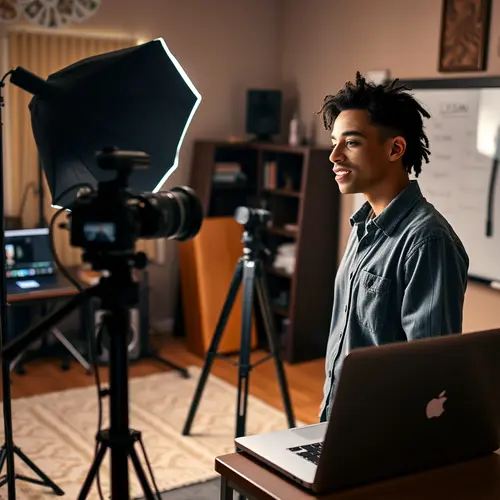
A pervasive myth is that high production value—cinematic drone shots, dramatic music, slick graphics—correlates with educational effectiveness. It does not.In fact, overly polished productions can introduce what researchers call “seductive details.” Extraneous, engaging information that distracts from the core learning objective. A simple, well-lit shot of an instructor at a whiteboard, clearly explaining a problem, often outperforms a complex animation laden with decorative elements.The core metrics for a good educational video are clarity, accuracy, and logical flow. Invest your effort in scriptwriting and audio quality first. A learner will forgive modest visuals if the audio is crisp and the explanation is coherent. Conversely, they will abandon a beautiful video with muffled, confusing narration.This is the contrarian view: sometimes, a lower-budget, focused video is the more powerful pedagogical tool.Mastering the use of educational videos requires a discerning eye for quality, a strategic mind for integration, and a firm grasp of learning science. It turns a passive consumption tool into an active, scalable engine for understanding.TAGS: educational videos, video based learning, teaching with video, instructional design, educational technology, e-learning, online education, classroom technology
How do I source educational videos?
Use reputable publishers, check licensing, and confirm the content matches your learning goal.
What should I check before using a video in class?
Review accuracy, length, captions, ads, and whether it is appropriate for the age group.
How can I use videos effectively?
Preview the clip, set a purpose, pause for discussion, and follow up with an activity.
Ashley Davis covers education and lifelong learning since 2020, testing 60+ courses and learning methods on outcomes, cost, and flexibility to help students and curious minds choose with confidence.